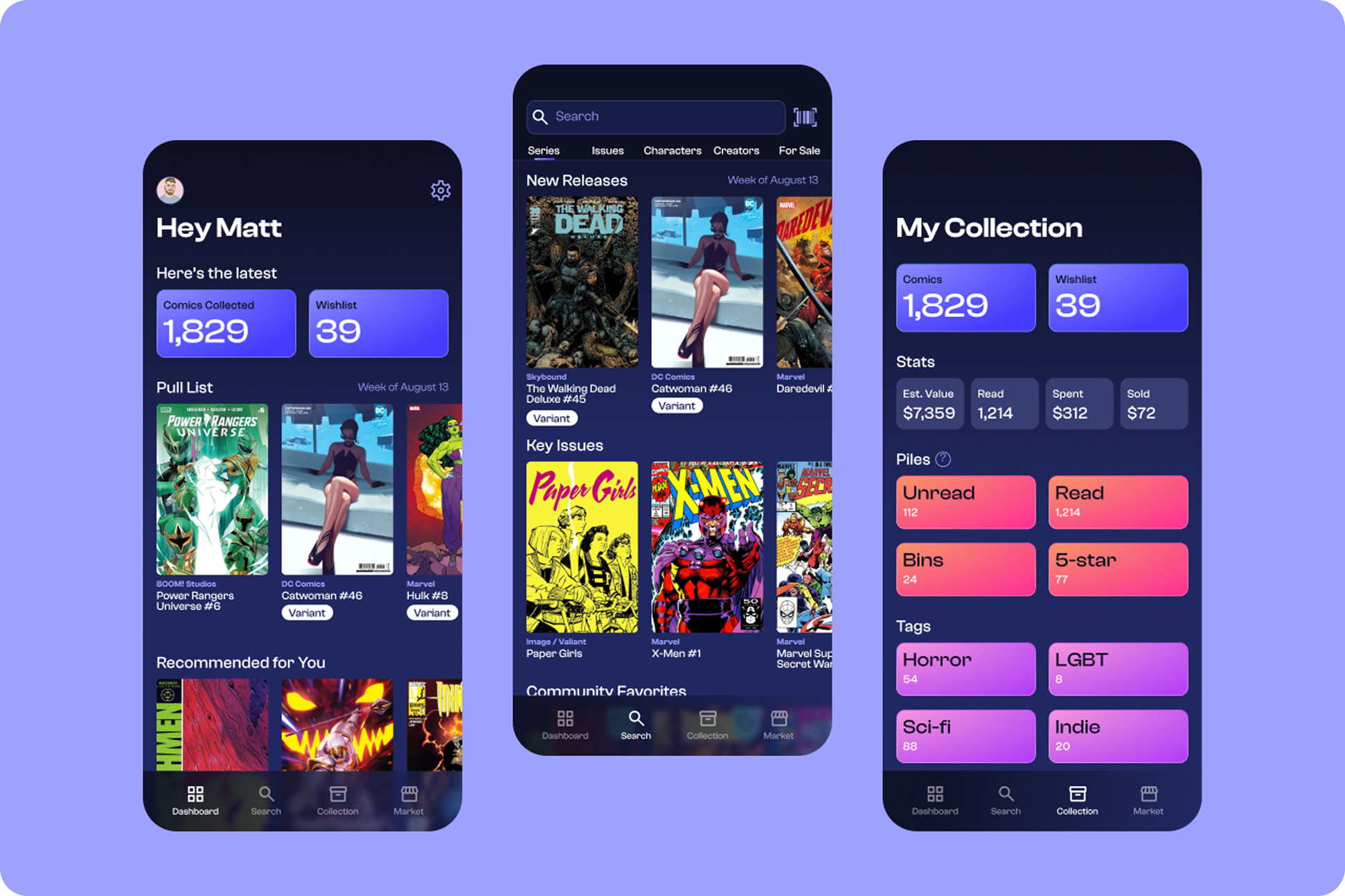
Compile
reshaping the way comic enthusiasts manage their collection
Role
Research, UX, UI
Category
Productivity

Buy, collect, sell. Repeat.
Everyone has a different reason for why they might collect something. For some comic collectors, it could be to snag the rarest #1 issues you can find. For others, it could be to get every issue of their favorite series. What all collectors have in common is the need to manage their collection.
Compile was created to help collectors sort their collections and provide realtime data and statistics. It can also help them track down old issues or the latest releases. A collector can now manage their entire collection all in one place.
Project objectives
Provide collectors a highly detailed system to sort and organize their collection

Ensure collectors have accurate data about their collection

Introduce commerce tools to facilitate barrier-free buying and selling

Check out the prototype.
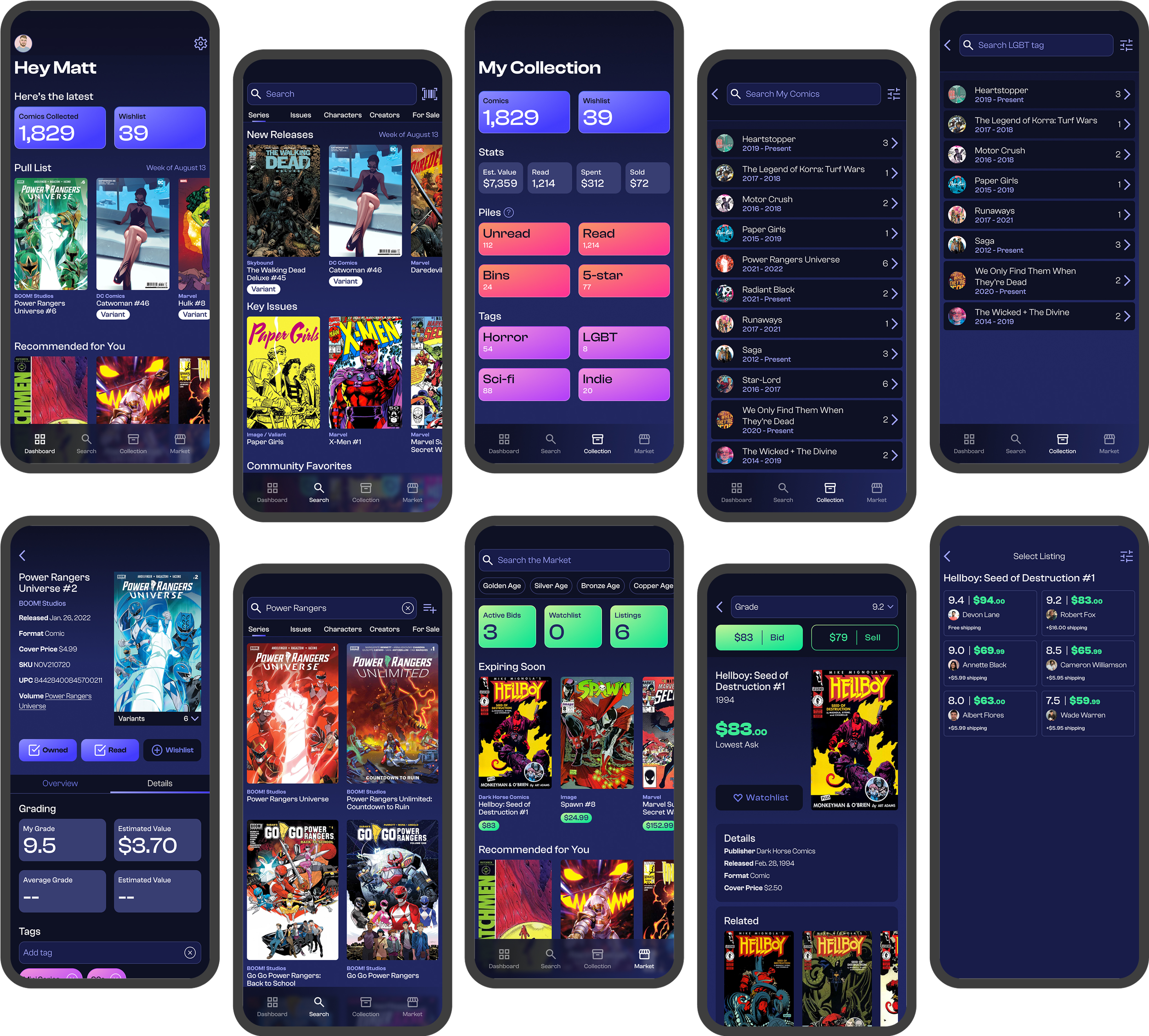
Project takeaways
It can be overwhelming to tackle a product when there’s a desire to include many features. Ensure all features are absolutely necessary and always point back to project goals and solving users’ problems.
Prioritize essential info
Having too many features on a dashboard defeats the purpose of a quick, scannable tool. Use insights to determine what’s most important.

Prototypes don’t have to be perfect
Focus time on key tasks of the product in the early stages to narrow in on areas for improvement.

Key features
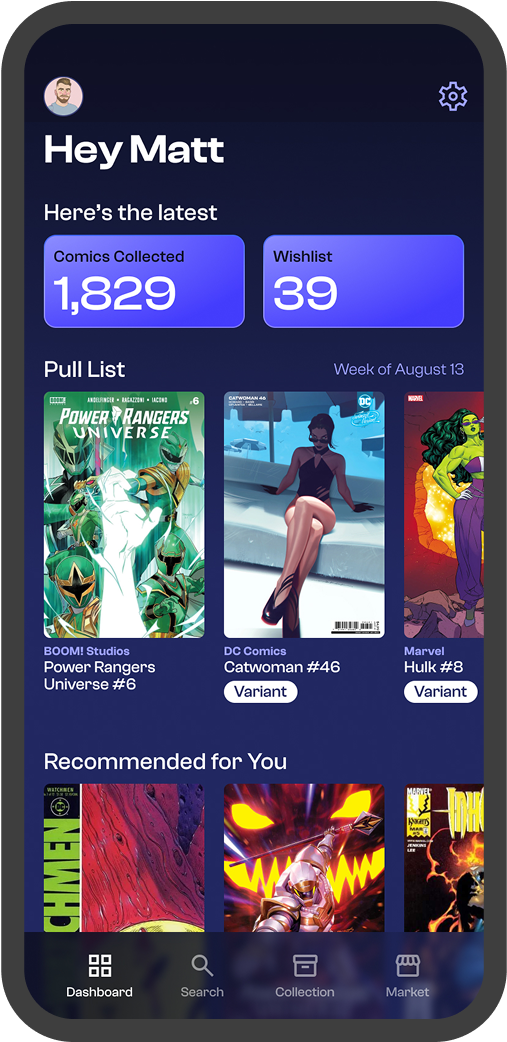
Dashboard
The main objective of the dashboard is to provide useful information for a growing comic book collection. Having a pull list and custom recommendations based on collection helps cut on down on lengthy searches.
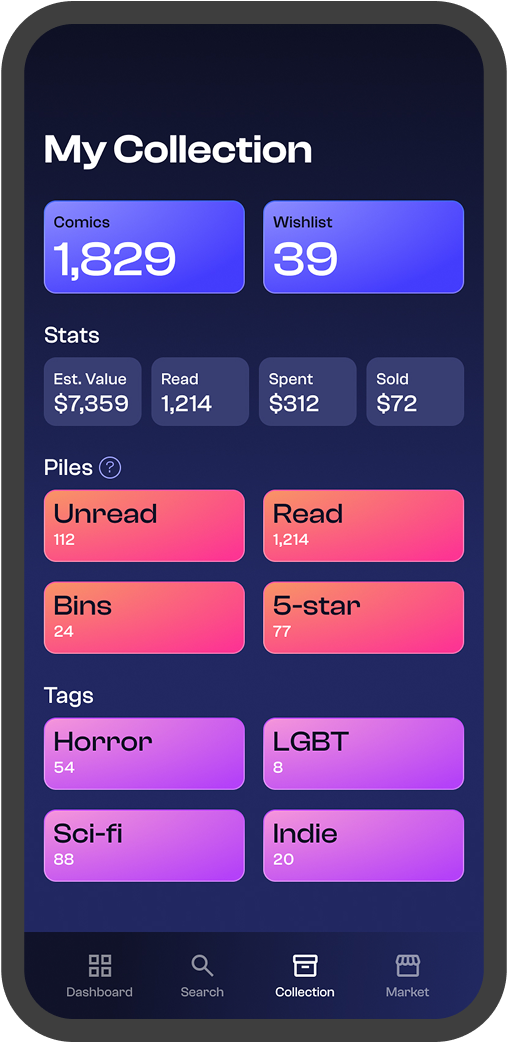
Piles vs. Tags
It was important to give users a way to categorize issues beyond a traditional tagging system. Piles serve as lists that can be customized based on a user’s personal sorting preferences.
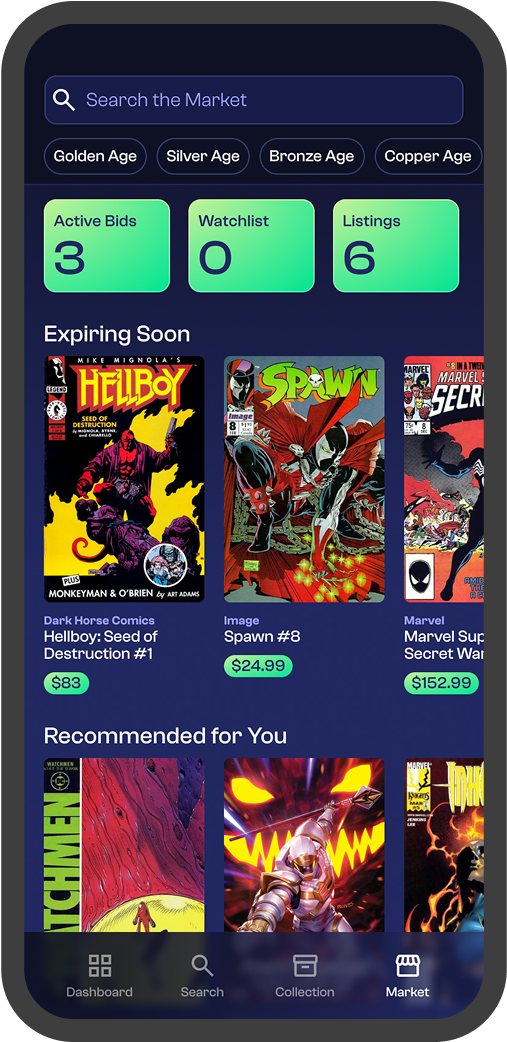
Market
Buying and selling comics often takes place in person or in other places around the web. It only makes sense to tie such an important part of collecting to the place users manage every other aspect.
Competitive analysis
Identifying where similar applications failed their users was the driving force behind the features selected for Compile.
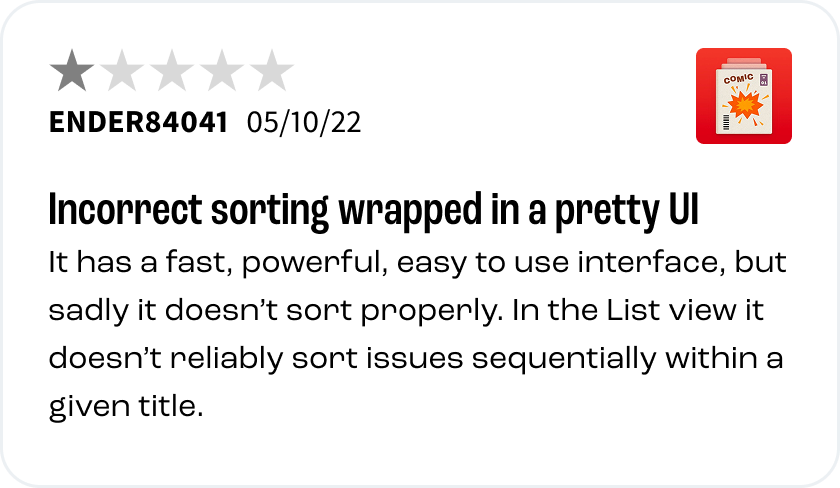
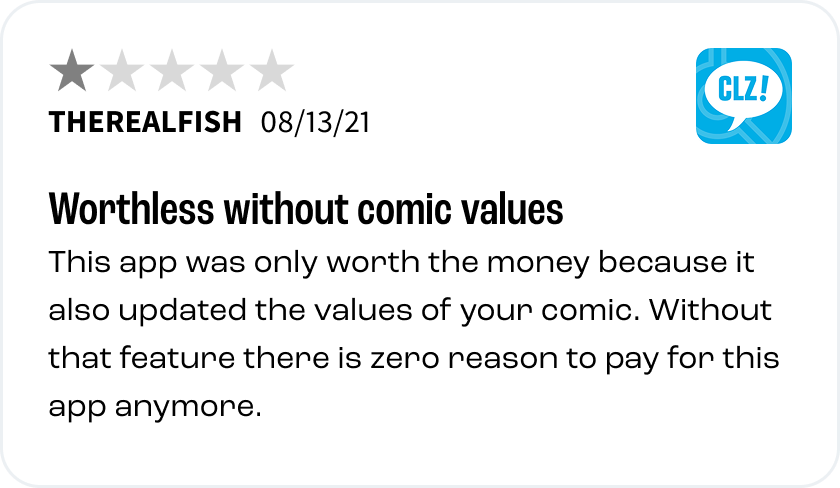

Solving the number one problem
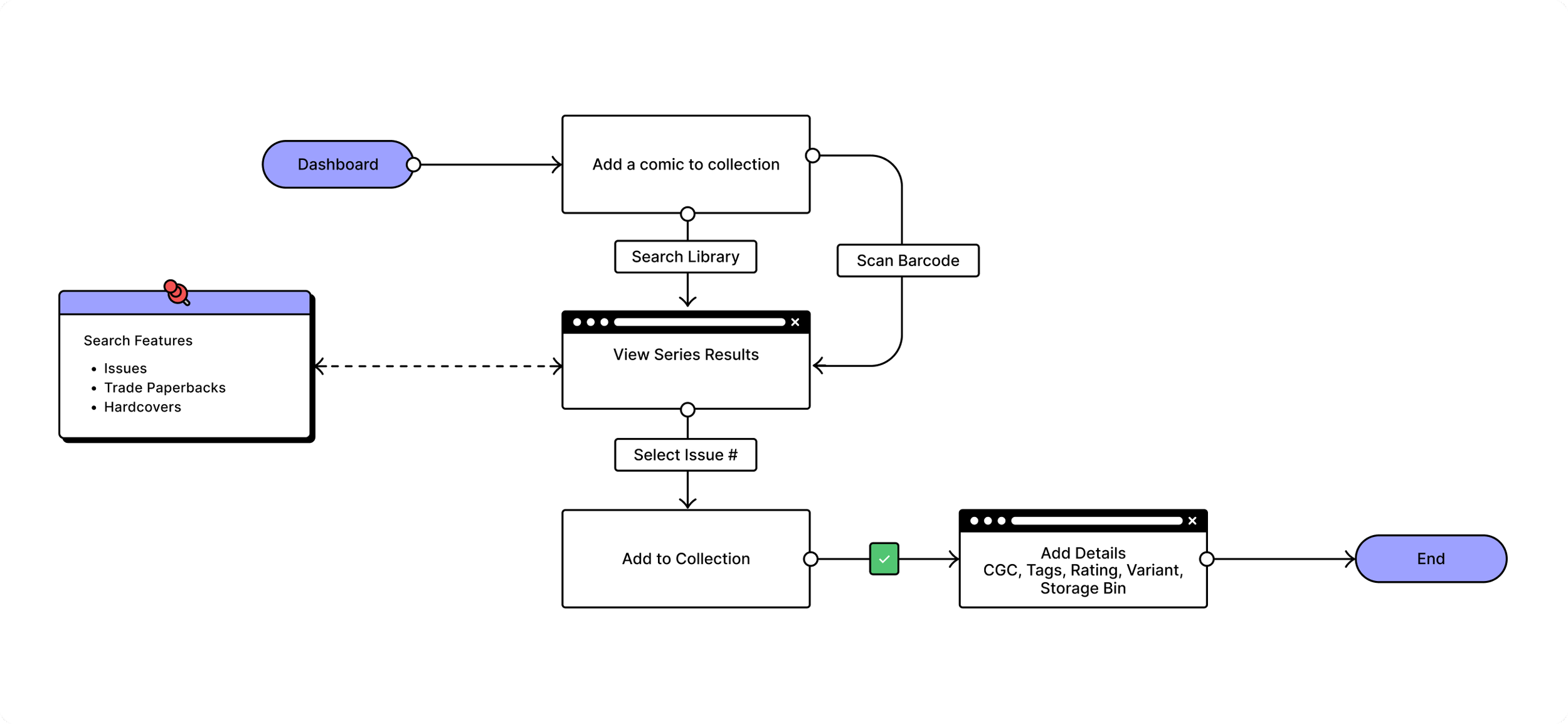
Adding a comic
One of the biggest critiques users had of competitors was with issues adding a comic to their collection. This flow keeps the process simple and gives the user as many tools at their disposal to ensure they can add a comic with as much or as little detail as desired.
-

Takeda IBD
-

Arcutis